
Merge PDF Files Online Free Without Signup & Secure PDF Merger – Doxbar
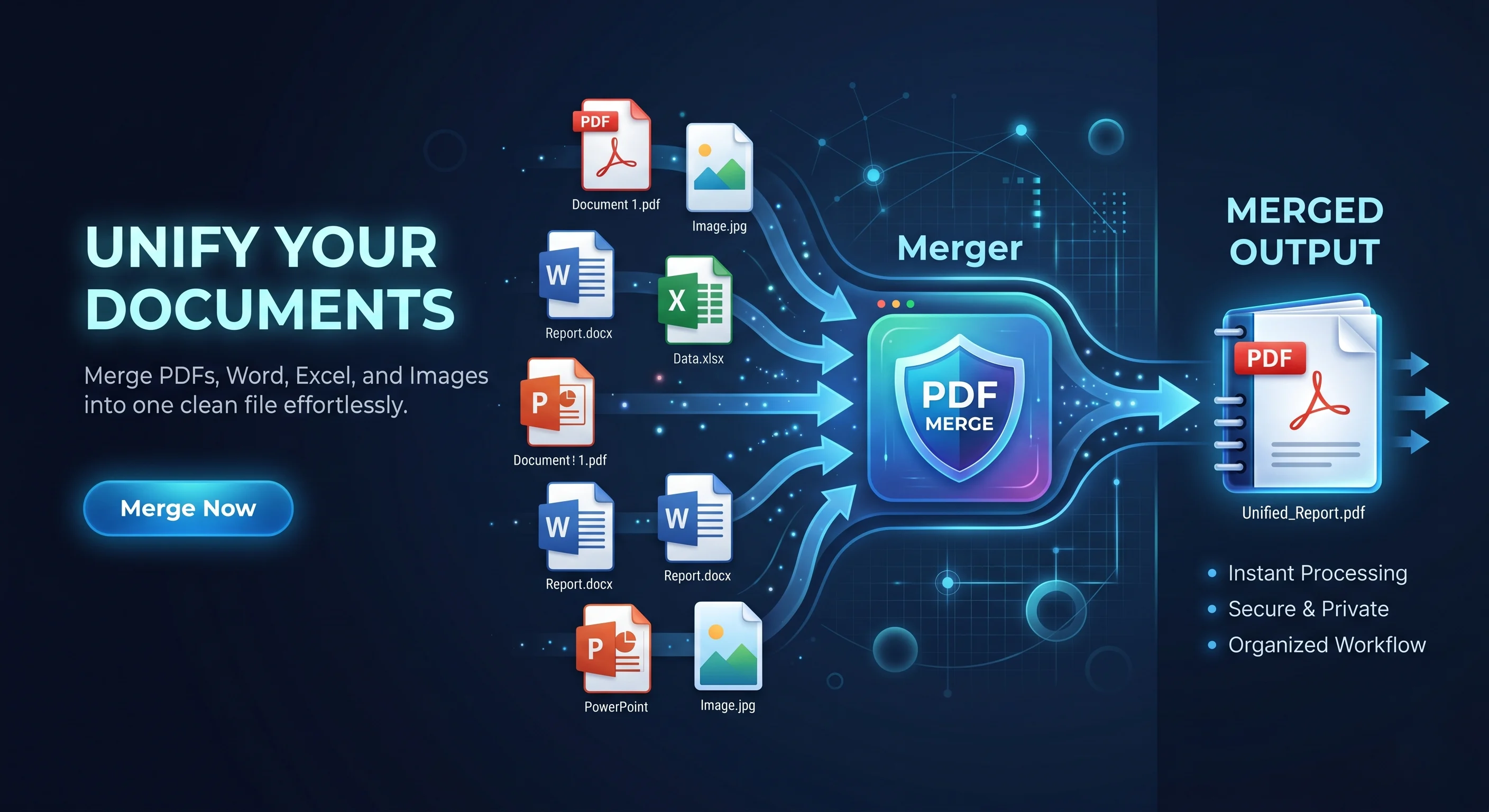
Merge PDF files online free without signup or quality loss using Doxbar. Secure, fast, browser-based PDF merger with formatting preservation and instant download.
Introduction: The Friday Afternoon Document Panic
Picture this: It is 4:55 PM on a Friday. Your client is waiting for a single consolidated monthly report before they sign off for the weekend. Instead of shutting down your laptop, you are staring at five separate invoices, a project summary, two Excel spreadsheets, and a Word document scattered across your desktop.
We have all been there. Trying to compile these individual files into one clean package usually turns into a frustrating game of technical tug-of-war. You try copying and pasting text, only to watch your carefully designed tables collapse, fonts default to Arial, and high-resolution charts turn into a pixelated mess.
Instead of fighting with temperamental desktop software or giving up your email address to a suspicious online converter, modern web tools like doxbar let you combine your files instantly in your browser—completely free and without any registration.
Merge PDF Files Instantly
Combine multiple PDFs online for free without signing up, software installation, or formatting loss.
✅ Secure browser-based processing ✅ Preserve layouts and image quality ✅ Works on desktop and mobile ✅ Instant download
[Merge PDF Now]
No signups, no credit cards, and no watermarks.
Why Is Document Consolidation So Painful?
To understand why combining files online often goes wrong, it helps to look at the classic bottlenecks that slow down daily business operations:
The Multi-Format Mess
Most business pipelines do not run on just one file type. You might have to combine raw data from an Excel spreadsheet with a summary written in Word and a couple of JPG images. Traditionally, you would have to convert every single one of these files to PDF individually before you could even attempt to join them together.
Broken Formatting and Margins
When converting dynamic, reflowable files (like a Word document) into a fixed-layout file, alignment rules often break. Paragraphs shift unpredictably, custom fonts disappear, and nested tables clip off the edge of the virtual page.
Operating System Gaps
Many traditional editing suites are locked to a specific desktop OS. If you are working on a Mac at home, a Windows PC at the office, or a tablet on the go, moving between platforms often means losing access to your document tools.
Privacy and Data Leak Risks
Uploading sensitive client contracts, financial audits, or personal tax records to random online websites is a massive security hazard. Many older platforms upload your files to remote servers, where they may sit in temporary storage databases indefinitely.
Desktop Software Bloat
Legacy desktop suites are heavy, expensive, and require administrative installation rights. For a freelance designer or a corporate employee working on a locked-down work computer, installing a desktop app just to join two pages is highly impractical.
Structural Mechanics of Document Formats: Under the Hood
To understand why files break when combined, we have to look at how different files are structured at a code level.
Fixed-Layout vs. Reflowable Documents
A Microsoft Word file uses a dynamic XML grid. The text "reflows" depending on your screen size, zoom level, or active printer. A PDF (standardized as ISO 32000), however, acts like a digital printout. Every single character, vector line, and image is mapped to a static, absolute coordinate on a virtual page.
Page Trees and Structural Integrity
At its core, a PDF is a Carousel Object Structure (COS). Its internal catalog uses a "page tree" hierarchy to organize pages. Poorly designed merging tools simply copy these trees as sub-branches. When Adobe Acrobat or other readers try to parse these messy trees, the internal byte offset index breaks. This triggers the dreaded error: "The document's page tree contains an invalid node."
Advanced PDF merging engines rebuild document structures carefully to preserve layouts, bookmarks, and internal links without corruption.
WebAssembly and Browser Processing
Modern web tools utilize w3.org (Wasm) to run compiled C++ and Rust code directly inside your web browser. By processing all calculations locally on your own computer’s processor, your sensitive files never have to travel to an external server in the first place.
Modern Solution Framework for Document Integration
When choosing an online tool to handle your daily workflow, look for these foundational features:
Zero-Retention Local Processing: Look for browser-native processing (using Wasm) or tools that promise to wipe your files from their servers the second you download the merged output.
Secured Connections: Ensure the site uses Cloudflare TLS/HTTPS encryption to keep your data safe while uploading and downloading.
Layout and Asset Preservation: The merger must preserve high-resolution graphics, color profiles, interactive hyperlinks, and bookmarks without degrading document quality.
Cross-Platform Access: The tool should work smoothly inside any standard web browser, whether you are on Windows, macOS, Linux, iOS, or Android.
Evaluation of Common Document Merging Methods
Here is how the three main approaches to merging documents stack up against one another:
Architectural Metric
Legacy Online Tools
Desktop Software
Modern Browser-Based Workflows
Data Privacy
High risk; files are saved on remote servers with unknown retention times
High; completely local processing with no web exposure
Maximum, local processing (Wasm) or secure transmission with instant server purge
Accessibility
Often hidden behind registration walls, email forms, or paywalls
Expensive individual licenses or recurring enterprise subscriptions
Fully open; instant usage with no signup or download requirements
Compatibility
Browser-dependent and usually poorly optimized for mobile viewports
Platform-locked; requires specific software builds for Windows or Mac
Universal; works instantly across all devices, mobile OS, and web browsers
Formatting Quality
Moderate; common issues with missing fonts and broken bookmarks
High, deep rendering engine support for complex layouts
Extremely high; structural rebuilding preserves vector lines, fonts, and bookmarks
Setup Overhead
None; accessed via a simple web URL
High; requires installation, admin rights, and manual updates
None; runs instantly inside standard browser sandboxes
Step-by-Step Document Integration Workflow
Behind the scenes, modern browser-based PDF mergers process your files through a secure step-by-step workflow to keep formatting, structure, and document quality intact.
Upload → Arrange → Merge → Download → Automatic File Deletion
Upload: Choose your files or drag them into the browser window. Depending on the processing method, files are either handled locally inside your browser or securely transferred through encrypted HTTPS connections.
Visual Reordering: Your files are instantly shown as interactive thumbnail blocks. You can drag and drop them to change the page sequence until they are in the perfect order.
Structural Rebuild: Behind the scenes, the merger rebuilds the document structure so that bookmarks, links, and layouts continue to work normally without throwing page tree errors.
Retrieval: Your newly merged PDF is packaged and downloaded straight to your device.
Automated Purge: In a secure cloud-based setup, the server instantly and permanently deletes your files, leaving no trace.
Balanced Pros & Cons of Web-Based Merging
To keep things completely transparent, let's look at the real-world advantages and natural limits of web-based document tools.
Pros
Zero friction: No registration or email signups means you can get in, merge PDF files, and get out in under 30 seconds.
No software footprint: You do not have to worry about system updates, storage space, or administrator rights.
Enterprise security: Modern privacy protocols ensure your sensitive documents never stay on someone else’s hard drive.
Exact visual matches: Vectors, font styles, and layout elements remain exactly as you designed them.
Cons
Browser memory limits: If you try to compile hundreds of raw, high-resolution graphic files totaling several gigabytes, your browser tab might crash due to local memory limits.
No inline editing: You can combine, reorder, and organize pages, but you cannot rewrite the actual paragraph text or redesign a table from scratch once it is locked in a PDF.
Advanced FAQ Section
1: What is a PDF page tree?
The page tree is a hierarchical system defined by the ISO 32000 standard that organizes the pages of a document. Instead of listing pages in a flat array, the file trailer points to a root /Pages node that branches out into parent and leaf nodes. This tree structure is mathematically optimized to let readers quickly jump to any page in a 2,000-page document without having to parse the entire file from the beginning.
2: Why do bookmarks sometimes vanish after files are merged?
Bookmarks are saved in a distinct "outlines" dictionary within the PDF's internal code. When basic converters merge two files, they simply glue the page arrays together and ignore this dictionary. If the merging engine does not actively parse and map these outlines to their new page locations, your bookmarks will disappear.
3: What causes the Acrobat error "The document's page tree contains an invalid node"?
This error pops up when the internal map of your document is corrupted. If a cheap merger copies page trees from separate files without re-indexing their parent-child relationships, the file's structure breaks. When a compliant PDF reader tries to read this malformed tree, it flags the error and fails to render the page.
4: Is it safe to merge PDF confidential files using online tools?
It depends on how the tool is built. Standard online converters copy your files to their external servers, where they might store them for hours or days. Secure platforms, however, utilize advanced TLS encryption and enforce an instant-deletion policy the moment your download is complete, ensuring your data is never stored long-term.
5: Can I combine multiple different file formats in a single merge PDF?
Yes, but they must go through a conversion phase first. Because formats like Word or Excel do not use static print coordinates, they must be converted to PDFs first. Once they are transformed into fixed layouts, the merging engine can compile them into one continuous file.
6: What are the size and file limits for online merging?
To keep the browser stable and secure, most online platforms cap single-merge PDF tasks at 100 files. Individual files are usually limited to 500 pages, with a maximum combined page limit of 1,500 pages for the completed, merged document.
7: How does client-side processing differ from server-side processing?
Client-side: The entire merging process happens locally on your own device using browser engines like WebAssembly. Your files never travel over the internet.
Server-side: Your files are uploaded securely to a remote server, compiled there, and sent back as a download link, followed by an immediate server wipe.
8: What happens to digital signatures when PDFs are combined?
Merging a signed document will immediately break and invalidate any digital signatures. Cryptographic signatures are based on a unique binary hash of the exact file content. Re-indexing pages or changing the code layout alters this hash, triggering security flags. You should always merge your PDF files first and apply digital signatures to the final combined document.
EEAT & Trust Signals
When handling highly sensitive documents in legal, financial, or medical fields, you cannot afford to take risks with data security. The safest approach is to utilize a local, serverless architecture that executes the merging code directly inside your browser sandbox. This eliminates the threat of interception in transit.
If your files are too large for client-side processing and require secure server handling, always make sure the platform enforces strict, automated file-shredding protocols. Once your files are merged and downloaded, they should be permanently wiped from the physical disks within minutes.
Conclusion & Next Steps
Unifying scattered digital files into a single, cohesive document should not be a multi-step chore that requires expensive software or risky account signups. By moving past outdated desktop tools and taking advantage of secure, modern web engines, you can compile polished, high-fidelity files in just a few clicks.
Once you have combined your files, you can easily optimize them further. If your merged document is too large to email, you can shrink its size using the(compress-pdf) tool. If you need to break a massive document down later, simply run it through the(/split-pdf) tool.
Ready to combine your PDF files securely?
Use(merge-pdf) to join documents instantly without signup, software installation, or formatting loss.