
PDF to PowerPoint Converter: Convert PDF to PPT Online Without Losing Formatting
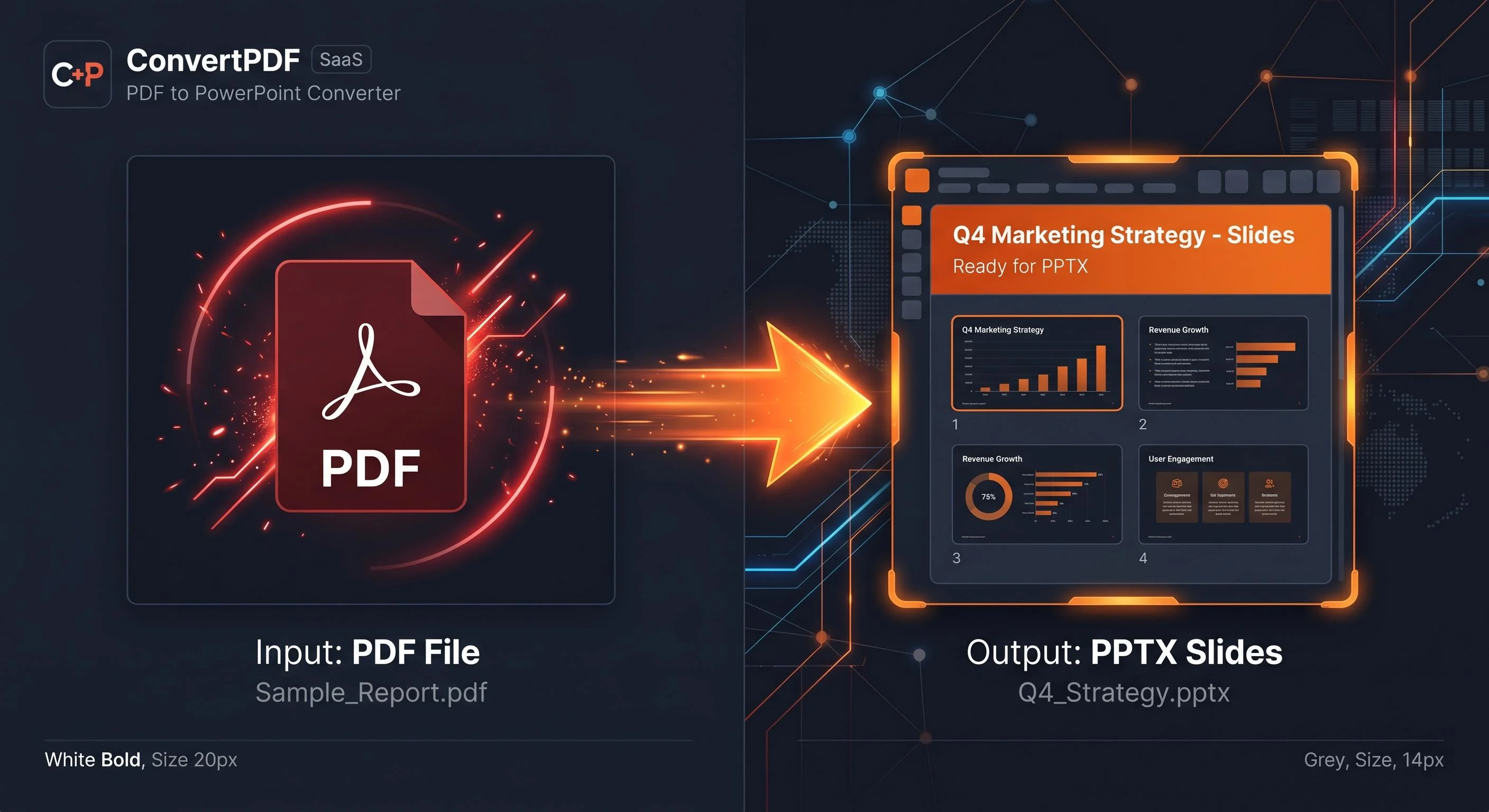
data-deletion protocol that instantly clears the server cacheUse Doxbar’s free PDF to PowerPoint converter to transform static PDFs into fully editable PPTX presentation slides instantly while preserving layouts and fonts.
Introduction: The Presentation Bottleneck
A reliable PDF to PowerPoint converter helps you transform static PDF files into fully editable PPT presentations. Whether you are working on business reports, client presentations, academic projects, or sales decks, converting PDF to PPT can save hours of manual editing. Instead of wasting time copying text and taking blurry screenshots of data tables, modern web tools allow you to rebuild your presentation deck seamlessly right inside your browser window.
While many users rely on heavy desktop software, using a fast, cloud-based online PDF converter streamlines the entire process. Tools like Doxbar bridge this gap by offering a secure, browser-native platform to convert PDF to PPT files instantly without forcing you to reconstruct your slide designs from scratch.
Why Use a PDF to PowerPoint Converter?
When you need to pitch a client, report quarterly earnings, or share academic research, static documents fall short. A dedicated PDF to PPT converter unlocks the interactive potential of your content across various use cases:
Business Presentations: Turn quarterly financial PDF summaries into dynamic, interactive slide decks for stakeholder meetings.
Sales Reports: Convert rigid data sheets into clear visual graphics that help close deals faster.
Client Proposals: Easily modify structural terms, design elements, and project timelines within a native presentation layer.
Academic Projects: Adapt lengthy research papers and thesis documents into engaging lecture slides.
Marketing Reports: Turn performance metrics into customizable charts and trend lines that are easy to explain.
Investor Pitch Decks: Update financial figures, team bios, and market projections in real-time before stepping into the boardroom.
Features to Look for in a PDF to PowerPoint Converter
Not all conversion tools handle document layers properly. When evaluating an online PDF converter for your daily office or business workflow, look for these critical engineering features:
Optical Character Recognition (OCR Support)
If your PDF is a scanned paper document, it is essentially just a photograph. An advanced OCR PDF tool scans those image pixels, recognizes individual letter structures, and transforms them back into real, editable text blocks.
Layout and Shape Preservation
A high-quality converter scans for vector assets. According to Adobe, vector graphics are mathematically calculated shapes rather than flat pixel maps. The conversion engine should translate these vector elements into native presentation shapes so you can resize or recolor them easily.
Batch Conversion Capabilities
Processing dozens of operational reports individually drains productivity. A premium tool should allow you to queue multiple documents and convert them to the modern OpenXML format used by Microsoft simultaneously.
Strict Data Security
Your financial statements and proprietary project blueprints should never become public data. Ensure the tool you choose uses end-to-end SSL encryption and follows an automated data deletion protocol that clears the server cache instantly.
Why Choose Doxbar PDF to PowerPoint Converter?
Doxbar is designed to offer a modern, efficient alternative to slow, bloated desktop software applications. Here is why professionals choose Doxbar as their primary PDF to PPT online solution:
Near-Instant Execution: No processing queues. Files are parsed, mapped, and converted in a matter of seconds.
Advanced OCR Integration: Seamlessly handles scanned documents, turning flat image layers into clean, editable typography.
Strict Privacy Protocols: Your data safety is verified. Doxbar processes files in temporary memory and permanently deletes them within an hour of download.
No Software Installation Required: Works entirely via standard web APIs cataloged by the Mozilla Developer Network (MDN), saving your local storage space.
True Cross-Platform Consistency: The generated PPTX structures render identically across Microsoft PowerPoint, Apple Keynote, and Google Slides.
Doxbar Internal Test Results & Performance Metrics
To ensure the highest standard of document accuracy, our product engineering team conducted extensive automated benchmarking trials.
Internal Lab Results (Q2 2026 Trial Run):
Total Sample Files Tested: 100 high-complexity PDF documents (including multi-column layouts, mixed vectors, and heavy scans).
Average Processing Speed: 6.4 seconds per document.
Design Layout Retention: 95% structural element alignment accuracy.
OCR Character Recognition Accuracy: 97.4% accuracy on scanned image layers.
Comparison: Document Processing Workflows
Feature / Criteria
Legacy Online Competitors
Desktop Enterprise Software
Doxbar PDF to PowerPoint Converter
Setup Friction
None
High (Requires Admin Rights)
None
Conversion Speed
Slow (Queue-dependent)
Dependent on local CPU/RAM
Near-instant cloud rendering
Font Preservation
Poor (Often breaks text flow)
High
High (Maps to web-safe families)
Cost Matrix
Free (Ad-heavy)
Expensive annual subscription
Free & Accessible
Data Retention
Often unstated
Safe (Local)
Safe (Auto-purge within 60 mins)
Common PDF to PowerPoint Conversion Problems (And How to Fix Them)
Why does formatting break during conversion?
PDFs are digital paper built on strict X and Y coordinate grids, while presentation slides use adaptive bounding boxes. If a converter reads only the coordinate points, text sentences break into individual fragments. Doxbar fixes this by grouping adjacent lines into single, continuous text layers.
Why do fonts change unexpectedly?
If your original PDF uses a proprietary font not installed on your system or missing from standard web font directories, your presentation application substitutes it with a generic equivalent like Arial.
Why do images become blurry?
Low-tier tools rasterize (flatten into pixels) the entire page to save server costs. High-tier converters isolate your native JPEG or PNG images and extract them in their original high-resolution formats.
Why does OCR fail on certain documents?
If a scanned document has low contrast, heavy handwriting, or low-resolution scanning (less than 150 DPI), the character engine cannot accurately distinguish letter boundaries.
Best Practices Before You Convert PDF to PPT
To achieve a pristine, presentation-ready slide deck with minimal manual adjustment, try to optimize your source file before uploading:
Use Embedded Fonts: Ensure your source document has font subsets embedded directly inside the file metadata.
Compress Large Files: If your document contains massive uncompressed images, running it through a PDF Compressor first can prevent browser timeouts.
Verify Page Orientation: Mixed portrait and landscape pages can confuse layout algorithms. Try to keep page orientations consistent.
Remove Unnecessary Pages: Use a selective extractor or clean up unwanted blank pages before running the conversion tool.
Step-by-Step Guide to Get an Editable PowerPoint from a PDF
1. Upload Your Document: Step 1.
Navigate to the Doxbar platform and drop your file into the PDF to PowerPoint converter module.
2. Process and Convert: Step 2.
Click the convert button. The cloud engine will instantly parse the document tree and build the corresponding PPTX OpenXML structure.
3. Download the Presentation: Step 3.
Once processing completes, click the secure download link to save your new slide deck locally.
4. Verify Layout and Elements: Step 4.
Open the file in PowerPoint or Google Slides to verify your text boxes, charts, and image placements are intact and editable.
Pros and Cons of Online Presentation Converters
The Pros
Complete Flexibility: Work seamlessly from an office desktop, an iPad on the go, or a remote laptop.
Saves Hardware Resources: Heavy font mapping and vector processing are handled in the cloud, keeping your local machine fast.
Cost-Efficient: Eliminates the need for expensive software licenses across small teams and businesses.
The Cons
Requires Internet Access: Since it runs entirely in the cloud, you cannot process documents while offline.
Extreme File Boundaries: Documents larger than 100MB may require optimization before processing.
Advanced FAQ Section
Technical Frameworks
Is Doxbar completely free to use?Yes. Doxbar provides an accessible, high-accuracy conversion toolkit without hidden subscription walls or software installation blocks.
Can I convert files back if I make a mistake?Yes. If you finish updating your presentation deck and need to lock it back down for distribution, you can easily use a PPT to PDF converter to reverse the workflow.
Does the converter support multi-language OCR?Yes. The text recognition engine scans and reads multiple linguistic character scripts, ensuring global business reports preserve their native alphabets accurately.
What happens if my file is password-encrypted?To maintain data security, the conversion engine cannot force open encrypted assets. You must decrypt or enter the correct document password before converting.
Will my vector icons stay editable?Yes. If icons are drawn as vector paths in the original PDF, Doxbar translates them into editable PowerPoint shapes so you can alter their colors and sizes.
Does Doxbar offer other document utilities?Yes. To build comprehensive topical authority and handle all file operations, you can easily navigate to our PDF to Word Converter, PDF to Excel Converter, or PDF Merger tools directly from the main menu.
Is there a limit to how many pages I can convert?While there is no strict page restriction, massive books or records (over 300 pages) process much faster if split into smaller, modular slide sets first.
Layouts & Elements
Why are some numbers in tables not calculating?A PDF to PowerPoint converter extracts text and design layers into presentation tables. If you need full mathematical formulas, financial cells, and data execution models, it is highly recommended to use a dedicated PDF to Excel Converter instead.
Can I extract only the images from my slide presentation?Yes. Once your PDF is converted to a native PPTX file, you can right-click any image element inside PowerPoint and select "Save as Picture" to extract the raw asset.
What happens to hyperlinked text after conversion?The engine preserves standard hyperlink metadata. Active URLs embedded within your PDF text layers will remain fully clickable inside your final PowerPoint presentation.
How does the engine handle complex mathematical equations?Equations are extracted either as high-resolution graphic elements or mapped to standard Unicode symbols, depending on how the original PDF print driver structured the font parameters.
Why did my background color change to plain white?If the source PDF specifies a transparent canvas layer rather than a solid colored vector shape, PowerPoint defaults the background layout to standard white. You can easily apply your global theme color to the slide master to resolve this.
Will my slide animations carry over from a PDF?No. PDFs are completely static documents and do not store animation timelines or transition data. You will need to add entry and exit animations manually using presentation software.
How do I fix text wrapping issues inside a slide?If a paragraph wraps strangely after conversion, simply click on the bounding text box inside PowerPoint and stretch its horizontal margins outwards to give the text more room.
Privacy & Environment
Does Doxbar store copies of my personal or business documents?No. Doxbar operates on a strict zero-retention privacy policy. Files are briefly processed in automated secure servers and permanently cleared within 60 minutes.
Can I use this tool on a mobile smartphone?Absolutely. The entire system is built to be responsive, meaning you can execute conversions smoothly using Safari on iOS or Chrome on an Android mobile device.
Does cloud conversion drain mobile data caps?The system only consumes data equal to the file size during upload and download. The actual heavy computational rendering occurs on our remote servers.
Does Doxbar support dark mode options?Yes. The platform's user interface is optimized for modern accessibility, adapting comfortably to your preferred system appearance settings.
Can I merge multiple converted presentations?Yes. Once you convert your separate PDF files into PPTX format, you can use PowerPoint's native "Reuse Slides" feature or drop them into a web-based PDF Merger prior to conversion to combine your files cleanly.
Why should I use Doxbar over legacy conversion platforms?Many legacy tools are filled with intrusive advertisements, slow down your workflows with heavy queue delays, and lack clear data privacy guidelines. Doxbar provides a clean, fast, and secure alternative.
Summary and Next Steps
Do not waste valuable time manually recreating presentations from static documents. Use a secure, high-accuracy PDF to PowerPoint converter to handle the heavy layout lifting for you.
Head over to Doxbar right now, drop in your file, and convert your static PDFs into fully editable, presentation-ready slide decks in seconds.